

Integrating with Overstock API as a supplier involves several key steps to ensure seamless data exchange for inventory updates, order processing, and shipping management. Here’s a high-level overview of the integration process:
Overstock API Onboarding: Supplier Setup & Credential Access
1. Apply to Become an Overstock Supplier
Before integrating with Overstock’s API, suppliers must first apply to join Overstock’s supplier program. The approval process may involve evaluating your product catalog, pricing, and logistics capabilities.
2. Obtain API Credentials
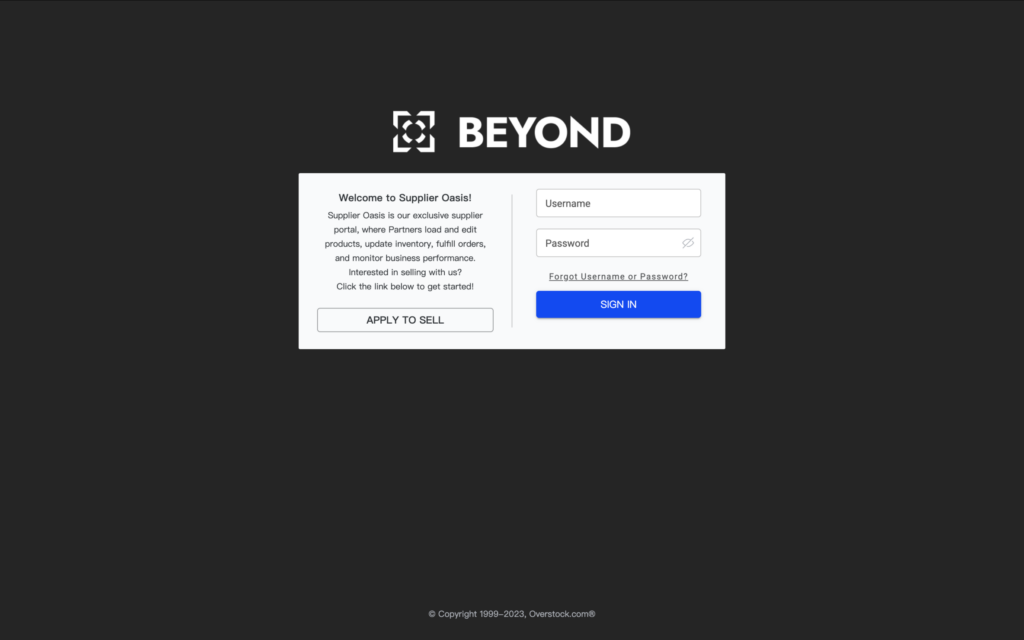
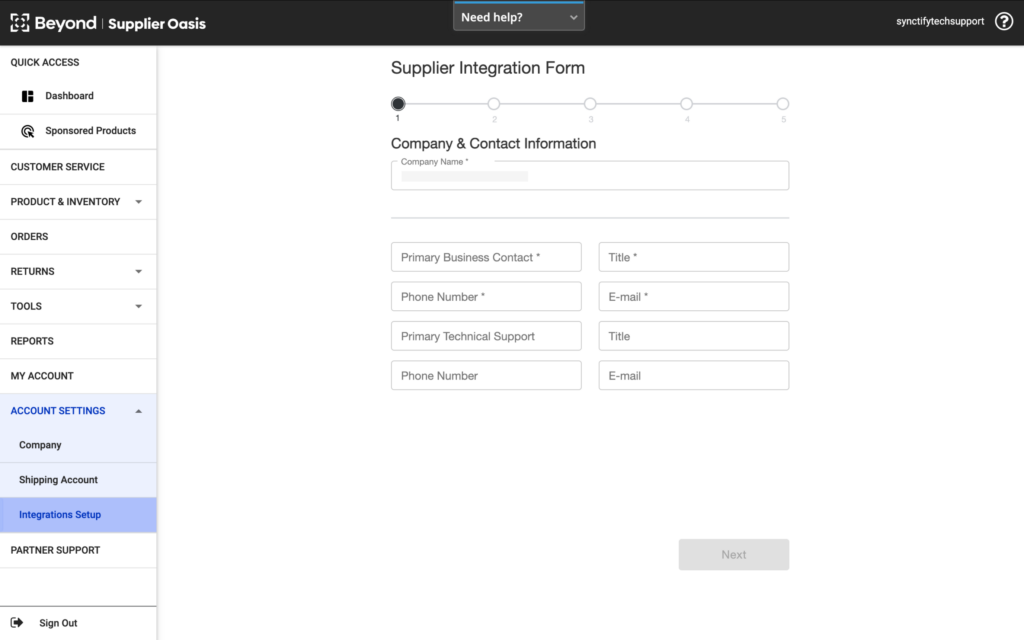
Once approved, you will receive access to Overstock’s Supplier Oasis platform, where you can retrieve the necessary API credentials (such as API key, client ID, and secret key) used for authenticating API calls.
3. Review Overstock API Documentation
Overstock provides detailed API documentation that outlines available endpoints, authentication methods, and data formats. Key supported functionalities include:
- Inventory API: Synchronize stock levels in real time
- Order API: Receive and acknowledge orders
- Shipping API: Upload tracking numbers and mark orders as shipped
Note: Overstock does not support product management through API. Product listings must be created and managed manually via the Supplier Oasis portal.
Overstock API Integration: Development, Testing, and Deployment
4. Test API Calls in a Sandbox Environment
Overstock requires all suppliers to complete sandbox testing before moving into the live production environment. This step ensures that your system is properly integrated and can communicate with Overstock without issues.
- You’ll be given access to a sandbox environment where you can simulate order processing, inventory updates, and shipping flows.
- Once testing is complete and validated, Overstock will provide access to the production environment and whitelist your system.
5. Develop API Integration
There are two ways to build the integration:
- Custom Development: If you have an in-house development team, you can build a direct API connection from your ERP or fulfillment system to Overstock.
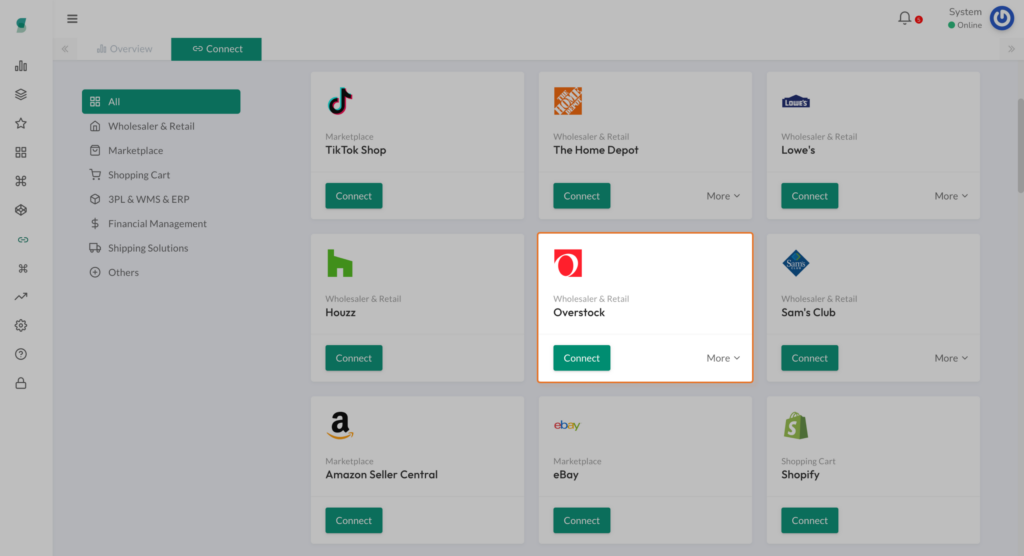
- Third-Party Integration: Platforms like Synctify offer pre-built integration with Overstock, making it easier to automate inventory and order workflows without custom coding.
6. Deploy and Monitor
After passing the sandbox stage, you can go live in the production environment. Ongoing monitoring is essential to ensure:
- On-time order fulfillment
- Accurate inventory synchronization
- Proper handling of exceptions or API errors
Why Use an Integration Like Synctify?
Instead of building an API connection from scratch, Synctify offers a ready-to-use integration with Overstock that helps suppliers:
✔️ Automatically sync orders
✔️ Update inventory in real time
✔️ Manage shipments and upload tracking
✔️ Avoid the complexity of API development and maintenance
Would you like a more detailed walkthrough of how Synctify’s Overstock API integration works in practice? Let us know—we’re here to help.
Subscribe to Our Newsletter
Get the latest releases, news and more!