

Insight & Analytics
Synctify’s dashboard is designed to provide you with comprehensive, real-time data that drives smarter decision-making and boosts your business performance.
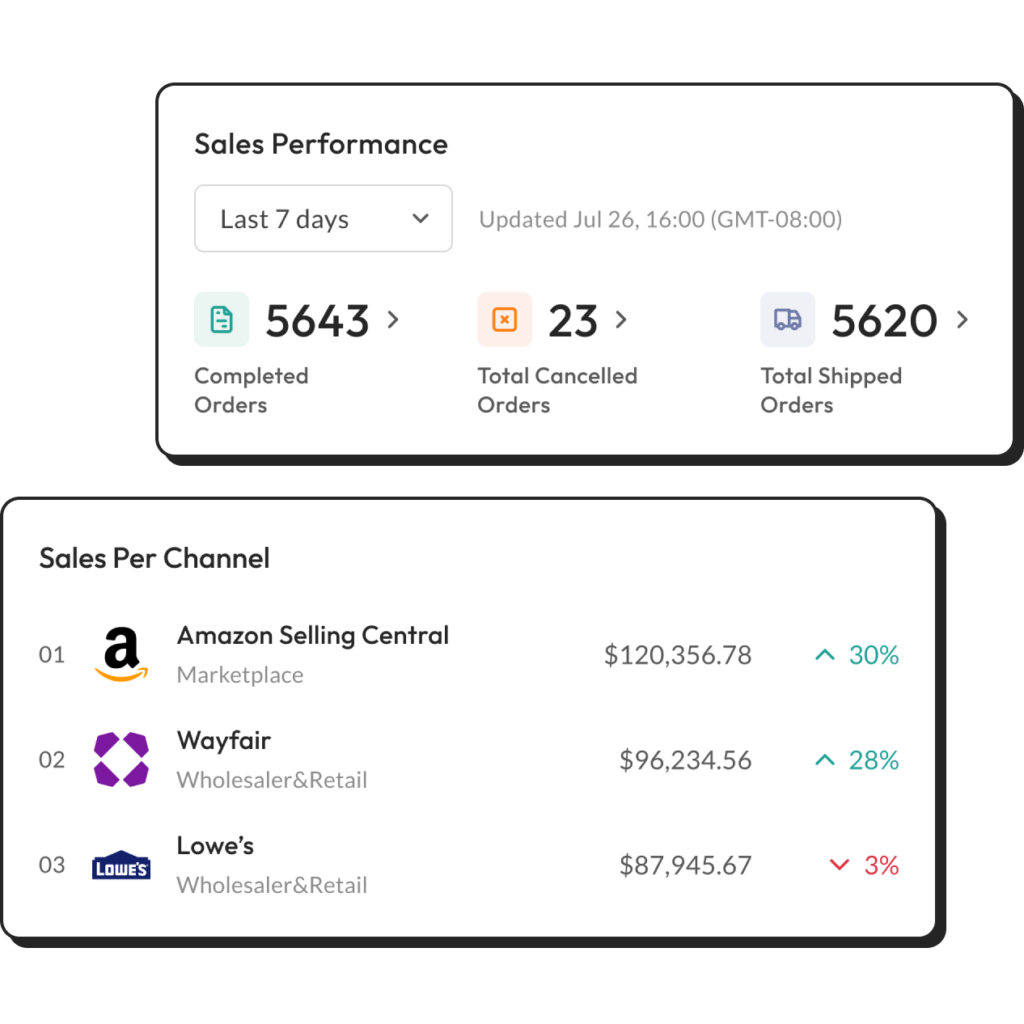
Make Data-Driven Decisions With Confidence
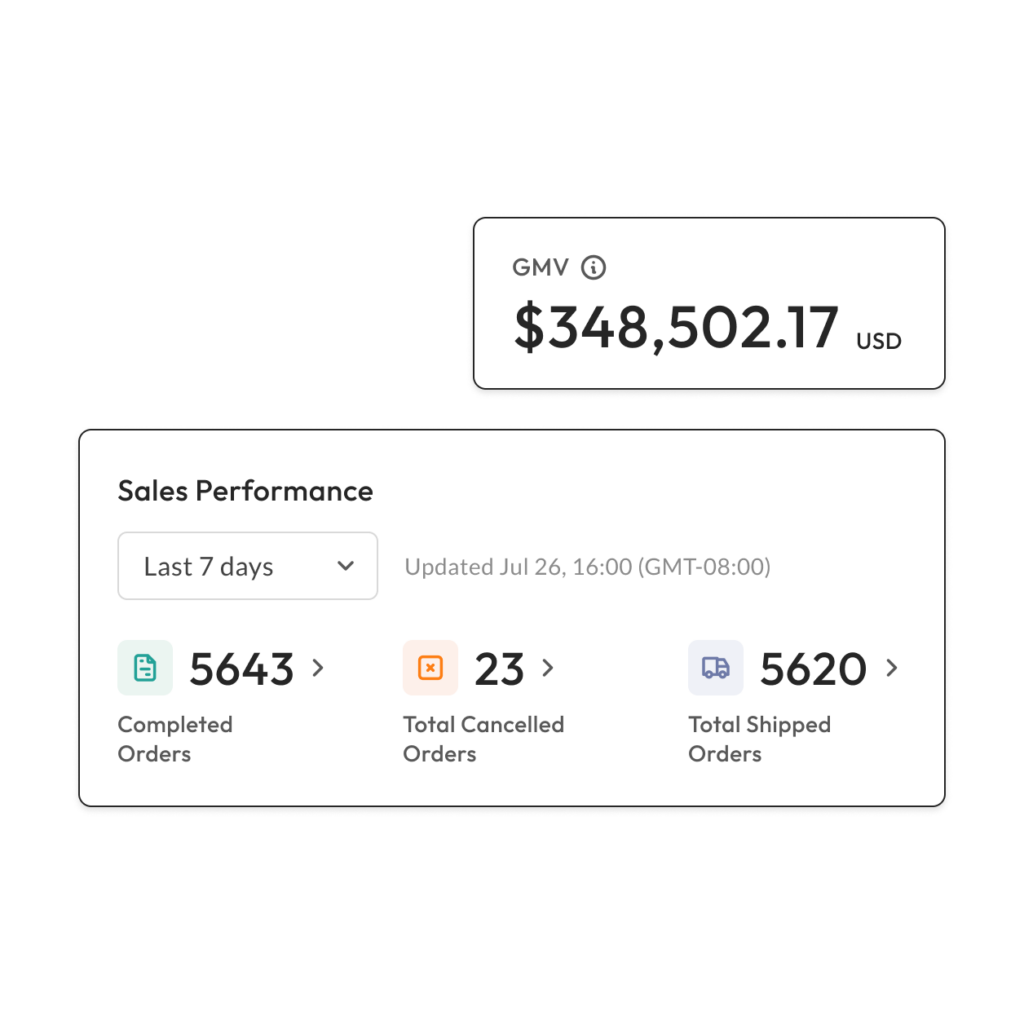
Real-Time Performance Metrics
Stay ahead of the curve with up-to-the-minute data on sales, order volume, and revenue. Monitor your KPIs and track your progress towards achieving your business goals with ease.
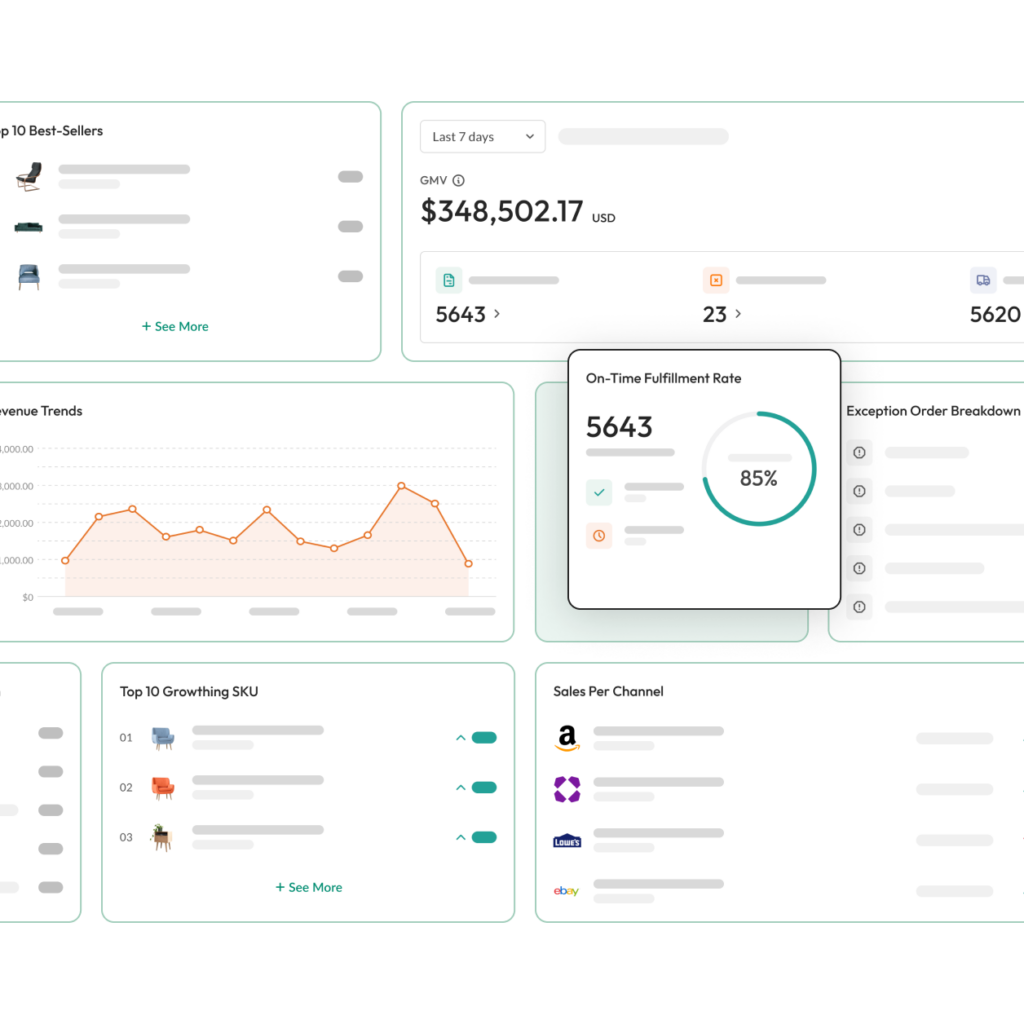
Customizable Dashboard
Tailor your view to focus on what matters most to you. Choose from a range of built-in metrics designed by Synctify to create a dashboard that reflects your unique business needs and priorities.
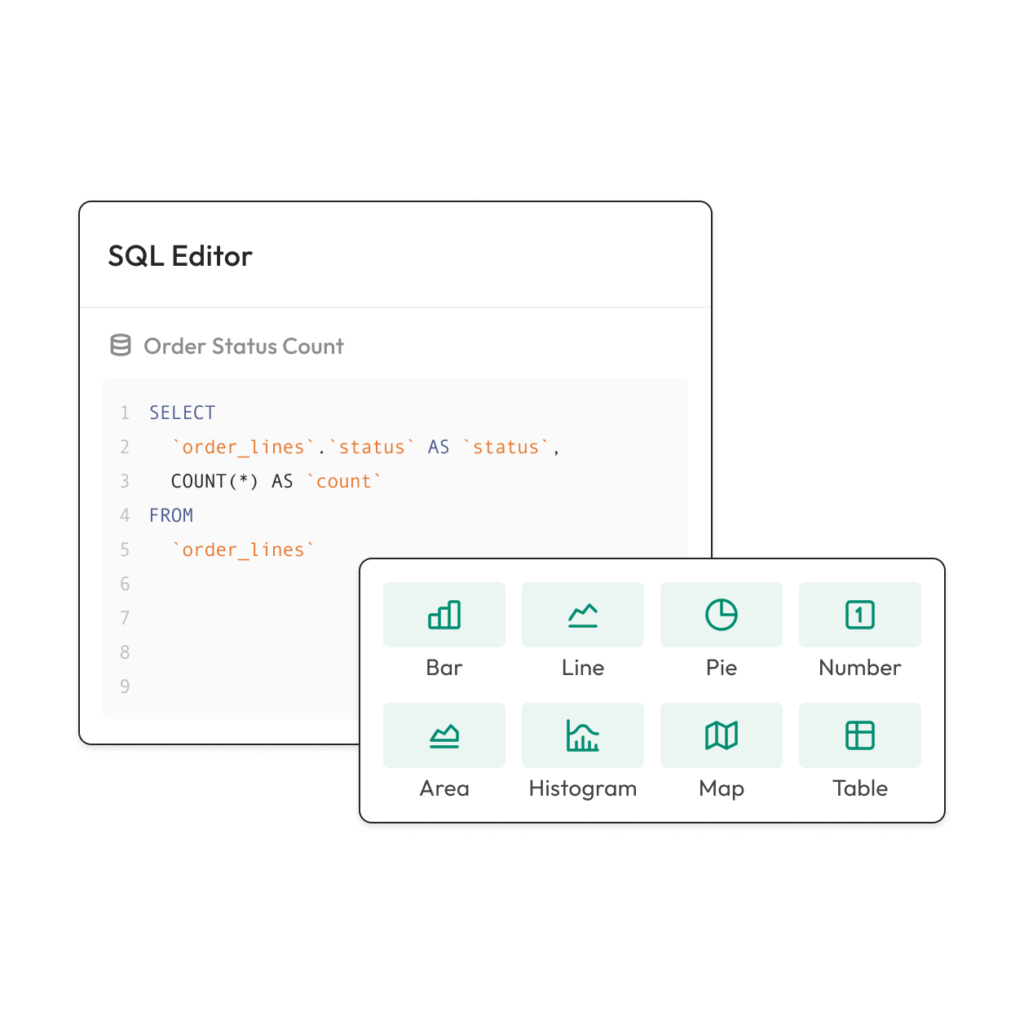
SQL Editor Suite
Synctify’s SQL Editor Suite is an add-on feature that allows you and your data science team to analyze the data you need. We also offer customization of performance metrics to suit your specific requirements.
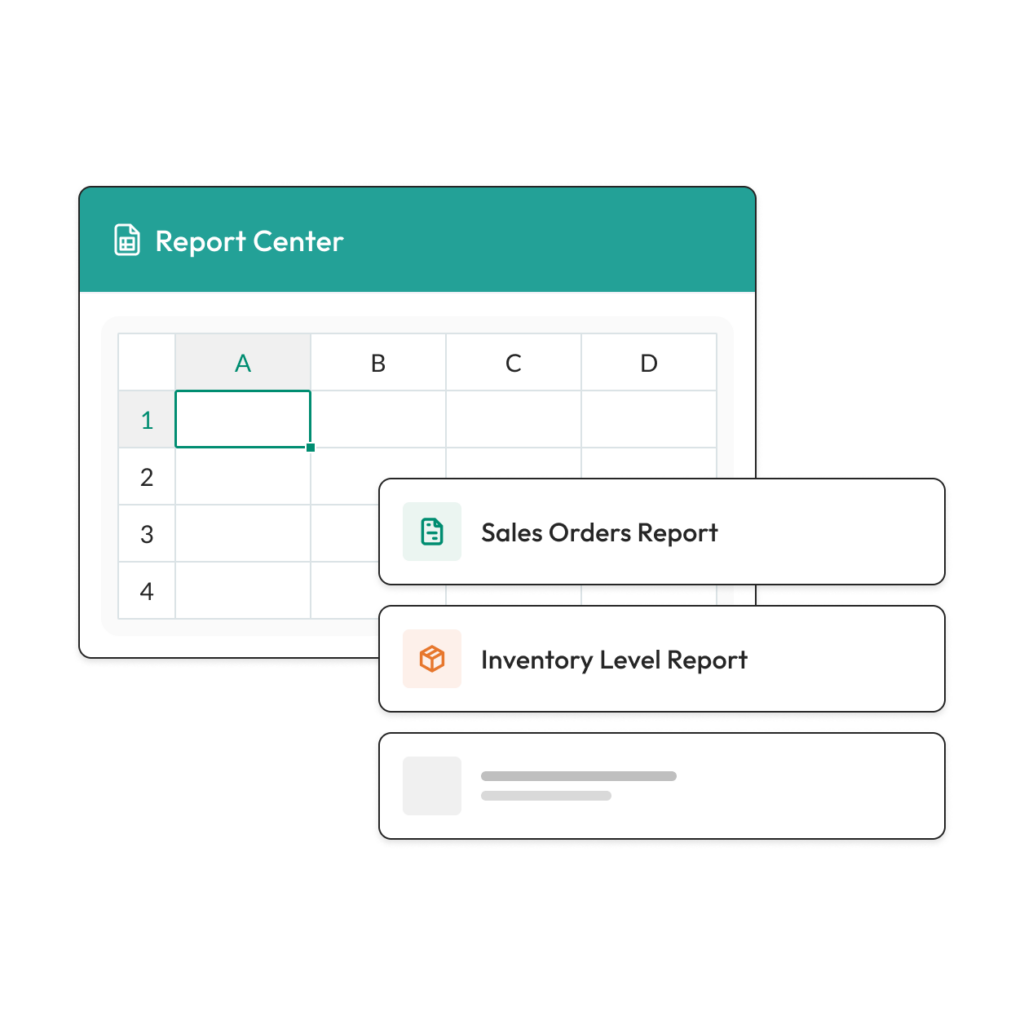
In-Depth Reports
Dive deep into your data with detailed reports on sales trends and operational efficiency. Our reports are designed to provide actionable insights that help you optimize your strategies and improve your bottom line.
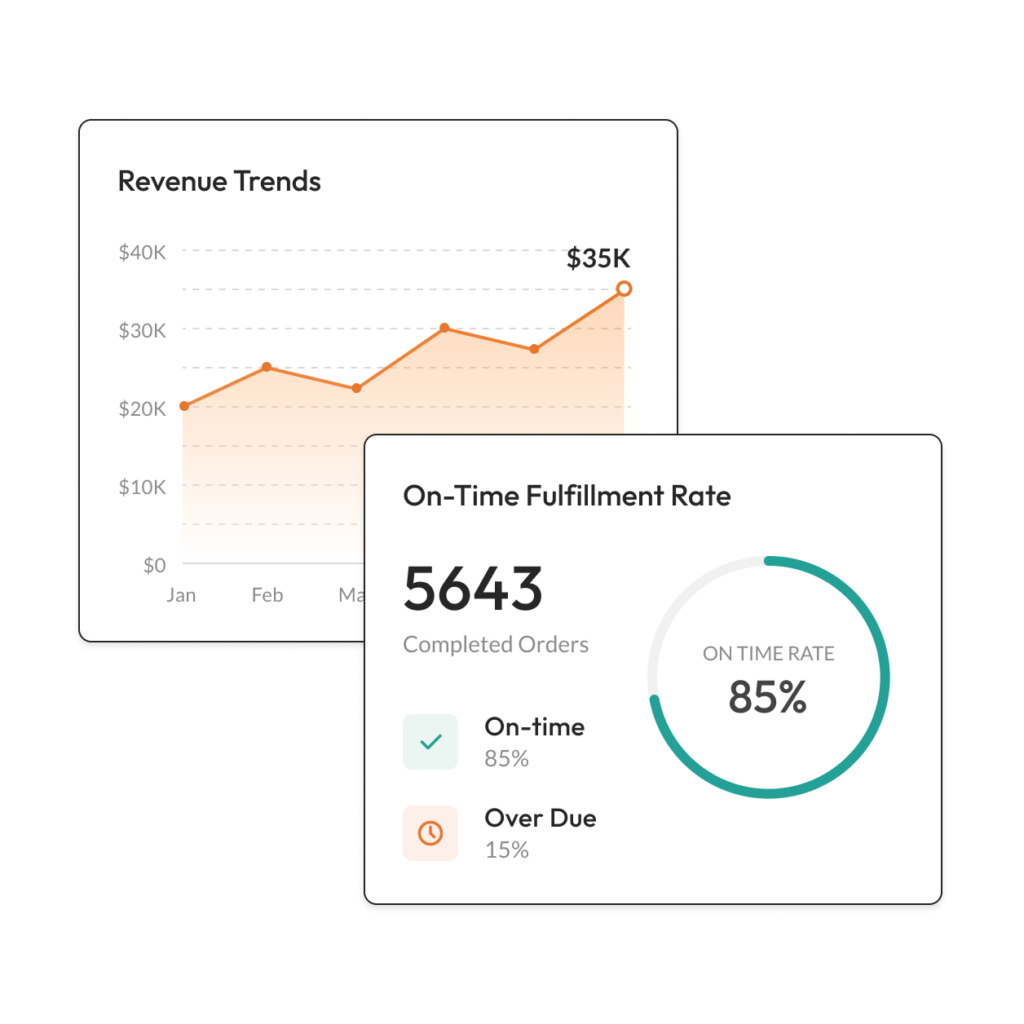
Trend Analysis
Identify patterns and trends in your data to forecast future performance and make informed decisions. Our trend analysis tools help you understand the bigger picture and plan for long-term success.
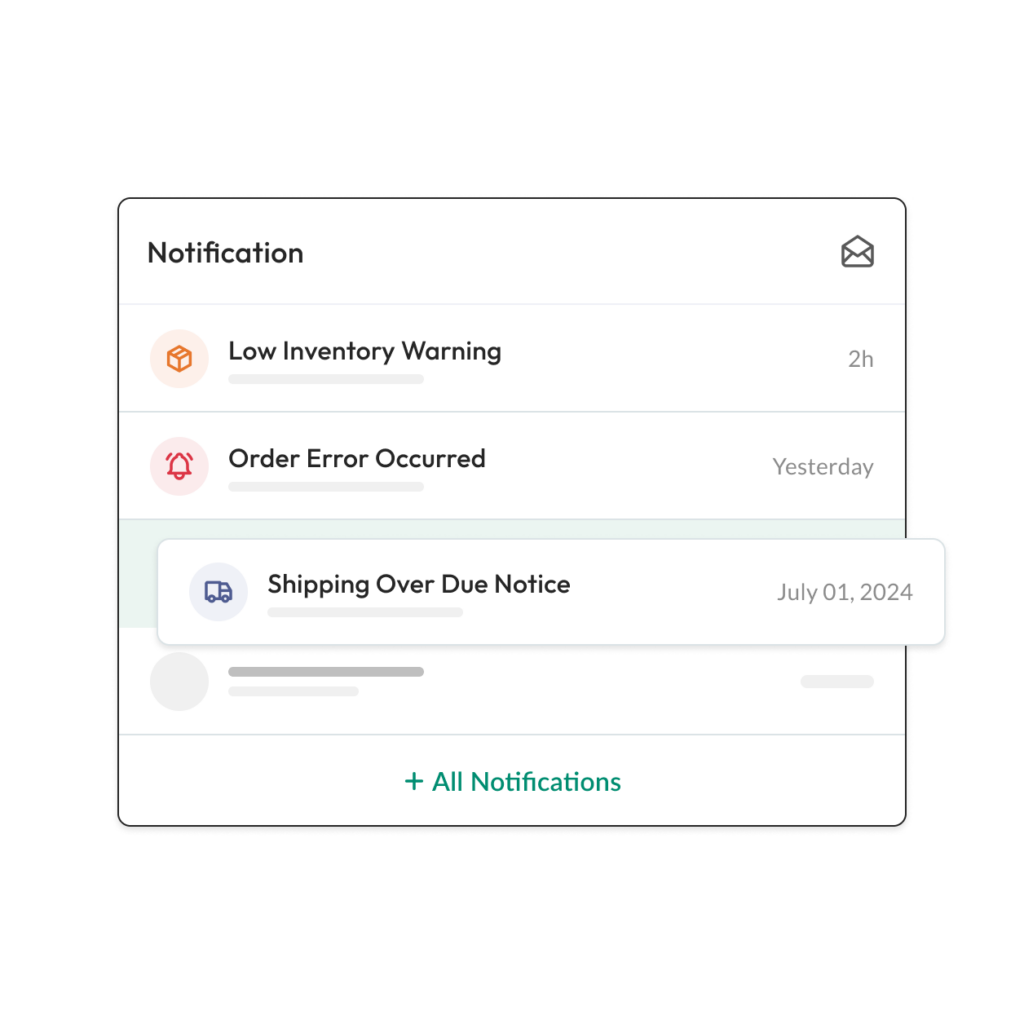
Automated Alerts
Never miss a critical update with our automated alerts. Set custom alerts for key metrics and receive notifications directly to your dashboard or via email, ensuring you stay informed and proactive.
Frequently
Asked
Questions
More question? Check out our full FAQs
Insights and Analytics
- Request help from our support team to create visualized metrics based on your business needs, or
- Use our built-in SQL editor to query, analyze, and visualize performance data independently.
Yes. Synctify’s Insights section supports channel-level and time-based comparisons, enabling you to evaluate performance across platforms (e.g., Amazon vs. Wayfair) or measure growth month over month.
Yes. From the Settings page, you can select or hide dashboard metrics to tailor the Overview section to your needs. This helps you focus on the KPIs that matter most to your team.
Absolutely. From the Report Center, you can export sales, order, and inventory raw data in various formats. This is ideal for financial analysis, performance reviews, or importing into your BI tools.
Yes. You can assign custom dashboard views and permission levels to different team members—so operations, finance, and executives can each see relevant data without compromising privacy or workflow clarity.
All dashboard metrics are updated in real time, giving you instant visibility into business performance. Whether you’re tracking daily sales or fulfillment KPIs, you’ll always have access to the latest data.
Synctify lets you set up custom alerts for key metrics—like low fulfillment rates, delayed orders, or rapid sales spikes. These alerts can appear in your dashboard or be sent via email, helping you react quickly to critical changes.
Synctify’s dashboard provides a real-time performance overview of your operations. You can monitor key metrics like sales revenue, order volume, fulfillment rate, best-selling products, fast-growing SKUs, and more—all in one centralized view.
Check out more details of our all features!
EDI
Simplify data exchange with Synctify’s robust EDI integration solutions for enhanced efficiency.
Inventory Management
Effortlessly synchronize your inventory with Synctify’s automated management tools.
Product Management
Efficiently manage extensive SKUs, pricing, and listings across multiple platforms.
Insight & Analytics
Empower your business with data-driven insights to optimize operations and drive growth.